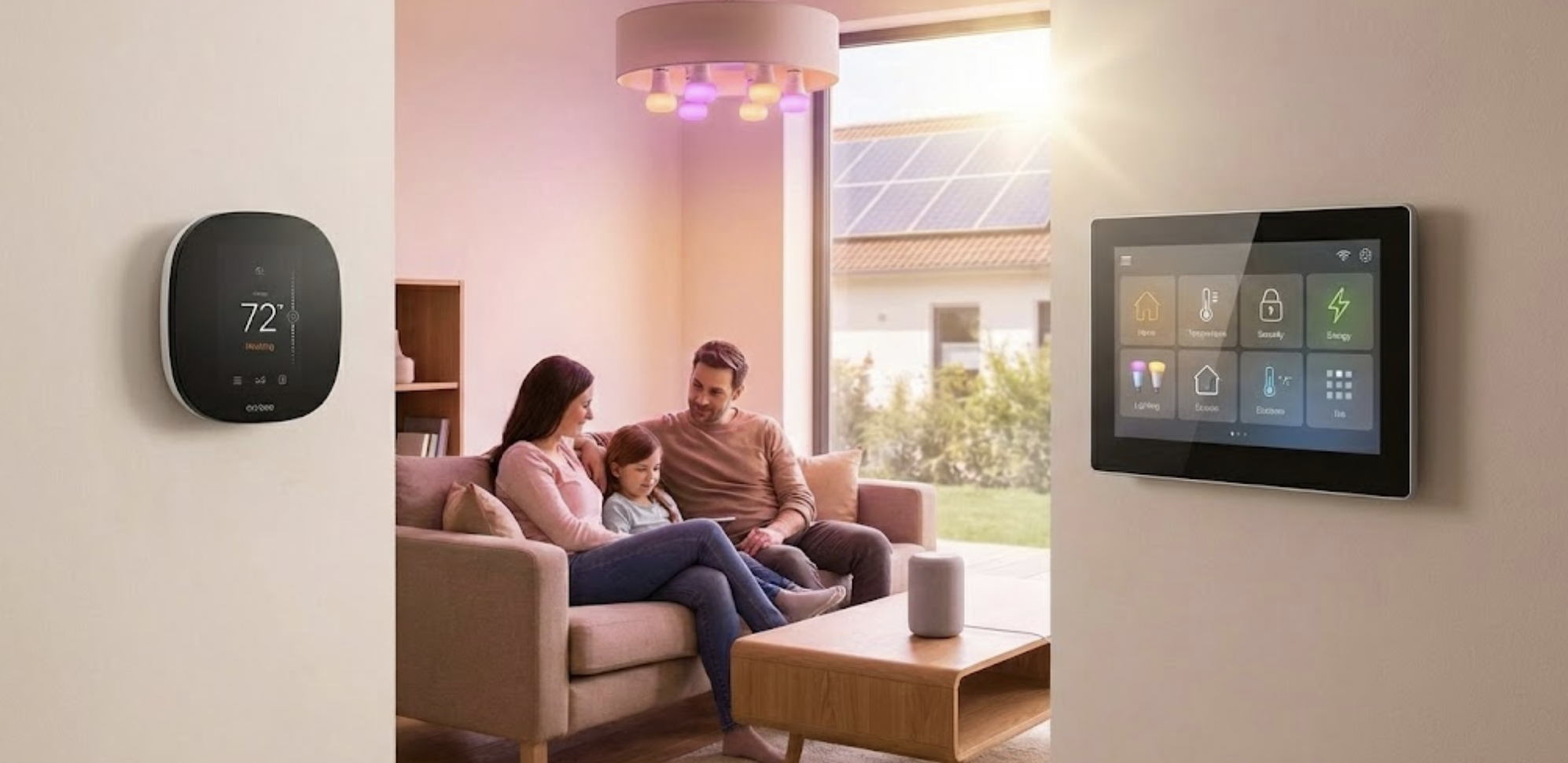

Building a smart home ecosystem in 2026 doesn’t require dozens of gadgets or a steep learning curve. With the right foundation—just five essential devices—you can create a seamless, intelligent home that responds to your needs, saves energy, and enhances security. The key to success lies in choosing products that work together harmoniously, thanks to groundbreaking standards like Matter and Thread that have revolutionized device compatibility. Whether you’re a complete beginner or upgrading your existing setup, this guide will show you exactly what you need to get started.
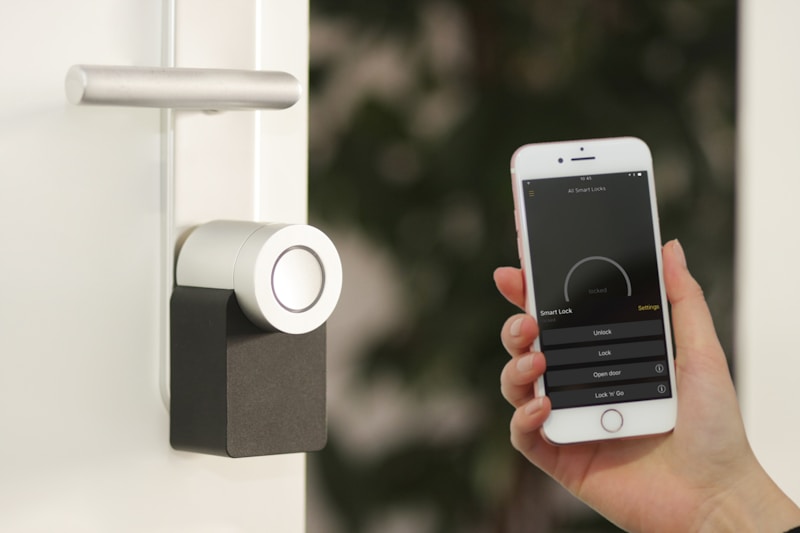


Table of Contents
- Why a Smart Home Ecosystem Matters in 2026
- The Matter Revolution: Universal Compatibility
- Product #1: Your Smart Hub – The Brain of Your Home
- Product #2: Smart Lighting – Ambiance and Efficiency
- Product #3: Smart Thermostat – Climate Control and Savings
- Product #4: Smart Lock – Security Made Simple
- Product #5: Smart Security Camera – Peace of Mind
- Setting Up Your Ecosystem: A Step-by-Step Guide
- Smart Automation Ideas to Try First
- Future-Proofing Your Investment
- Final Thoughts
Why a Smart Home Ecosystem Matters in 2026
The difference between a collection of smart devices and a true smart home ecosystem is like comparing a group of musicians to an orchestra. Individual gadgets can perform tasks, but an ecosystem creates harmony—devices communicate, routines trigger automatically, and your home anticipates your needs before you voice them.
In 2026, the smart home landscape has matured significantly. Gone are the days of incompatible devices requiring separate apps and clunky workarounds. Today’s smart home ecosystem is built on interoperability, with devices from different manufacturers working together seamlessly. This transformation has been driven largely by the Matter protocol, which we’ll discuss shortly. If you’re still deciding which platform to commit to, our in-depth comparison of Matter 2.0, Google Home, and Apple HomeKit can help you choose the right ecosystem for your needs.

The Matter Revolution: Universal Compatibility
Before diving into specific products, it’s crucial to understand Matter—the game-changing standard that has transformed smart home compatibility in 2026. Developed by the Connectivity Standards Alliance (which includes Apple, Google, Amazon, and Samsung), Matter is an open-source protocol that allows devices to communicate regardless of brand or ecosystem.
What Makes Matter Essential?
Think of Matter as a universal translator for smart home devices. Prior to its widespread adoption, you might have faced situations where a smart bulb worked with Alexa but not HomeKit, or a thermostat integrated with Google Home but not SmartThings. Matter eliminates these frustrations by ensuring certified devices work across all major platforms.
The protocol operates over Thread—a low-power mesh network that’s more reliable than traditional Wi-Fi connections and more efficient than Bluetooth. This means your devices maintain strong connections throughout your home, with battery-powered gadgets lasting significantly longer.


When shopping for smart home devices in 2026, prioritizing Matter-certified products ensures you’re investing in technology that won’t become obsolete as ecosystems evolve. All five products we recommend below support Matter or work seamlessly within Matter-compatible ecosystems.
Product #1: Your Smart Hub – The Brain of Your Home
Every successful smart home ecosystem starts with a capable hub that serves as the central command center. The hub coordinates communication between devices, processes automation routines, and provides voice control capabilities.

Echo Show 8 (3rd Gen) – Smart Display with Alexa
The Echo Show 8 is the ideal starting point for your smart home ecosystem, featuring an 8-inch HD touchscreen, spatial audio, and a 13MP camera. It supports Matter, Thread, and Zigbee, making it compatible with thousands of devices. The built-in smart home dashboard allows one-touch control of lights, locks, cameras, and thermostats.
Starting at $149.99
View on AmazonWhy This Hub Works
The Echo Show 8 strikes the perfect balance between functionality and affordability. Unlike hub-less setups that rely solely on your smartphone, a dedicated smart display provides visual feedback, video calling capabilities, and serves as a central control panel. The third-generation model’s support for Thread and Matter ensures you can connect cutting-edge devices while maintaining compatibility with older Zigbee products.
Alternative options include the Google Nest Hub Max (ideal for Google ecosystem users) or the Apple HomePod mini (best for Apple HomeKit enthusiasts). The key is choosing one ecosystem and committing to it, as this determines which voice assistant (Alexa, Google Assistant, or Siri) will control your home.
Product #2: Smart Lighting – Ambiance and Efficiency
Smart lighting is often the first upgrade people make when building a smart home ecosystem, and for good reason. It offers immediate, tangible benefits: voice-controlled illumination, automated schedules, customizable colors, and energy savings. Modern smart bulbs use LED technology that consumes up to 85% less energy than traditional incandescent bulbs while lasting 15-25 years.

Philips Hue Smart Color Bulbs (4-Pack Starter Kit)
The gold standard in smart lighting, Philips Hue offers 16 million colors, warm-to-cool white tones, and seamless integration with all major platforms including Alexa, Google Home, and Apple HomeKit. The included Hue Bridge supports up to 50 lights and uses Zigbee for rock-solid connectivity. Create scenes, set schedules, and sync lights with music or movies.
Starting at $199.99 (4-bulb starter kit)
View on AmazonGetting Started with Smart Lighting
Begin with high-traffic areas: living room, bedroom, and kitchen. Install the bulbs, connect the Hue Bridge to your router, and add them to your ecosystem through the Hue app. Once configured, you can control them via your smart hub’s voice assistant or create automation routines.
Popular automations include “wake up” routines that gradually brighten lights in the morning, “movie mode” that dims lights and changes colors for entertainment, and “away mode” that randomly turns lights on/off to simulate occupancy when you’re traveling.

Product #3: Smart Thermostat – Climate Control and Savings
A smart thermostat is arguably the most impactful device in your smart home ecosystem from a financial perspective. The EPA estimates that proper thermostat programming can save homeowners up to $180 annually on energy bills, with smart thermostats making optimization effortless through learning algorithms and remote access. For a deeper look at how automation translates into real dollar savings, check out our ultimate guide to smart home automation energy savings.

Ecobee Smart Thermostat Premium
The Ecobee Premium goes beyond basic temperature control, featuring a built-in air quality monitor, Alexa voice control, and remote SmartSensor technology that ensures consistent temperatures throughout your home. It learns your schedule, adjusts automatically for efficiency, and provides detailed energy reports. Compatible with most HVAC systems and all major smart home platforms.
$249.99
View on AmazonInstallation and Smart Features
Most smart thermostats, including the Ecobee, are designed for DIY installation if you’re replacing an existing programmable thermostat. The process typically takes 30-45 minutes and involves matching colored wires from your old thermostat to the new one. If you’re uncomfortable with electrical work, professional installation is available through most HVAC services.
Once installed, the thermostat integrates with your smart home ecosystem to enable powerful automations. Set it to lower heating when your smart lock indicates you’ve left home, or create “goodnight” routines that adjust temperature for optimal sleep conditions. The inclusion of remote sensors solves the common problem of uneven heating/cooling, as the system can average temperatures from multiple rooms rather than relying on a single hallway location.

Product #4: Smart Lock – Security Made Simple
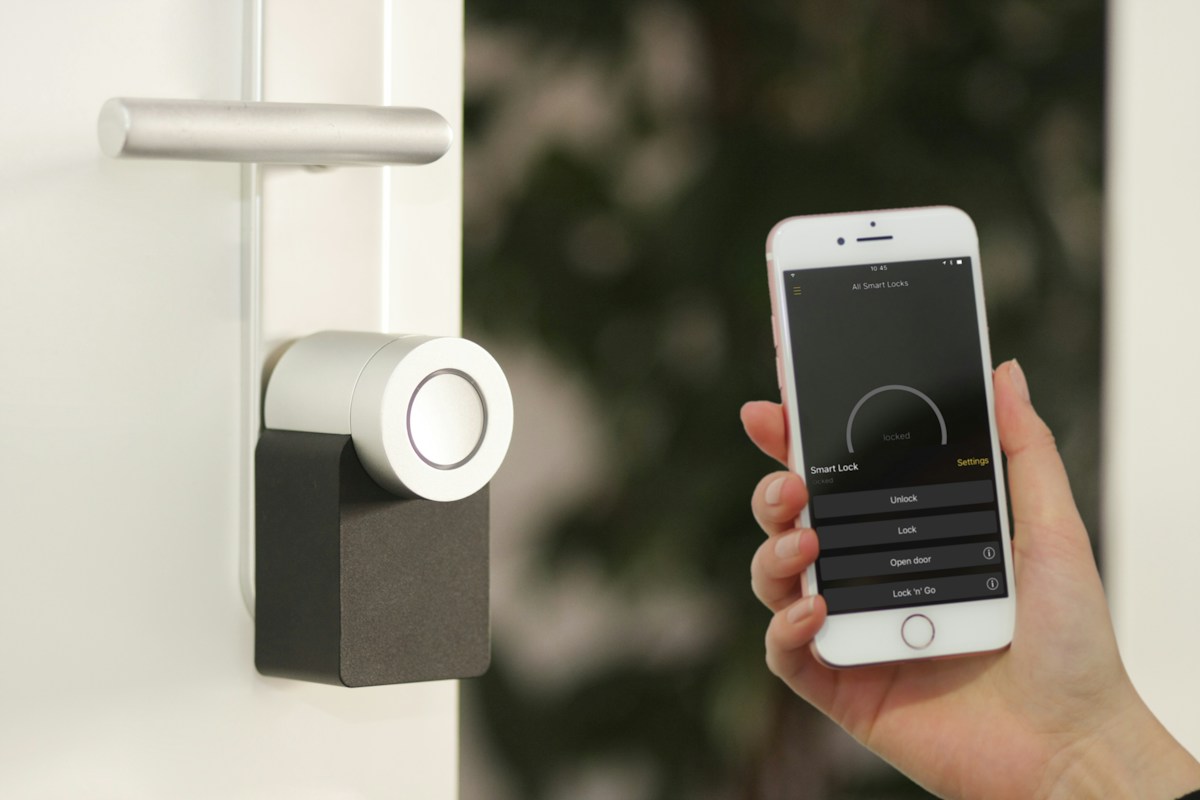
Smart locks transform home security by eliminating the vulnerabilities and inconveniences of physical keys. They provide keyless entry via PIN codes, fingerprint recognition, or smartphone proximity, while maintaining traditional key access as a backup. Integration with your smart home ecosystem enables features like automatic locking when you leave, unlocking when you arrive, and temporary access codes for guests or service providers.

Aqara Smart Lock U400
The Aqara U400 represents the cutting edge of smart lock technology with Matter certification and Ultra-Wideband (UWB) hands-free unlocking. Simply approach your door with an iPhone or Apple Watch, and the deadbolt retracts automatically. It also supports fingerprint recognition, PIN codes, Apple HomeKey, and works with Alexa, Google Home, and HomeKit. The rechargeable battery lasts up to 8 months per charge.
$189.99
View on AmazonSecurity and Convenience Features
Modern smart locks like the Aqara U400 employ bank-level encryption for digital communications and are often more secure than traditional locks, which are vulnerable to lock picking and key duplication. The U400’s fingerprint sensor provides quick access (unlocking in under 1 second) while maintaining security through biometric authentication that can’t be shared or forgotten. Smart locks are just one piece of a comprehensive security strategy—our guide to smart home security systems, AI trends, and proactive protection in 2026 covers the full picture.
Within your smart home ecosystem, the lock becomes a powerful automation trigger. Create routines that turn on lights and disarm security systems when you unlock the door, or receive notifications when kids arrive home from school. The temporary access code feature is invaluable for house sitters, cleaning services, or Airbnb guests, with codes that automatically expire after specified dates.

Product #5: Smart Security Camera – Peace of Mind
The final essential component of your smart home ecosystem is a security camera that provides visual monitoring, motion detection, and integration with other devices. In 2026, AI-powered cameras can distinguish between people, pets, packages, and vehicles, reducing false alerts while ensuring you’re notified of genuine security concerns.

Aqara Camera Hub G5 Pro
This dual-purpose device serves both as a high-resolution 2K outdoor security camera and a smart home hub for Matter, Thread, and Zigbee devices. Features include color night vision, AI-powered motion detection that identifies people versus animals, two-way audio, and weatherproof construction. The integrated spotlight activates when motion is detected, deterring intruders while capturing clear footage.
$149.99
View on AmazonStrategic Camera Placement
For optimal security coverage with a single camera, position it to monitor your front door and main entry points. This location captures the majority of package deliveries, visitor arrivals, and potential security threats. The G5 Pro’s 180-degree field of view ensures comprehensive coverage without blind spots.
Integration with your smart home ecosystem enables sophisticated automations: lights flash when motion is detected, your Echo Show displays the camera feed when someone rings the doorbell, or you receive smartphone alerts with video clips when you’re away. The two-way audio allows you to communicate with delivery drivers or deter suspicious activity remotely.
Setting Up Your Ecosystem: A Step-by-Step Guide
With your five essential devices in hand, the setup process follows a logical progression that builds upon each component:
Step 1: Establish Your Hub (Day 1)
Begin by setting up your Echo Show 8 (or chosen alternative). Plug it in, connect to Wi-Fi, and sign into your Amazon account. Update to the latest software version and familiarize yourself with the Alexa app on your smartphone, which will serve as your primary control interface. Spend time configuring voice recognition for household members and exploring the smart home dashboard.
Step 2: Install Smart Lighting (Day 1-2)
Install your Philips Hue bulbs in high-traffic areas, connect the Hue Bridge to your router, and add the lights through the Hue app. Then link Hue to your Alexa ecosystem through the “Skills & Games” section of the Alexa app. Create rooms in Alexa (Living Room, Bedroom, etc.) and assign lights appropriately. Test voice commands like “Alexa, dim the living room lights to 50%” to confirm integration.
Step 3: Smart Thermostat Installation (Day 2-3)
Install your Ecobee thermostat, following included instructions carefully. Power off your HVAC system at the breaker before beginning. Connect the Ecobee to Wi-Fi, create an account, and link it to your Alexa ecosystem. Configure the included SmartSensor in your bedroom or frequently-occupied room. Set up basic schedules and enable “Smart Home/Away” features that use occupancy detection to optimize energy usage.
Step 4: Smart Lock Setup (Day 3-4)
Install the Aqara U400 following the manufacturer’s instructions. Calibrate the lock through the Aqara app, create PIN codes for household members, and enroll fingerprints. Link the lock to your ecosystem and test automations like “Alexa, lock the front door” and geofencing features that lock automatically when you leave home. Program temporary codes for recurring visitors like dog walkers or cleaners.
Step 5: Security Camera Installation and Integration (Day 4-5)
Mount the Aqara G5 Pro at your chosen location, ensuring power access or planning for battery operation. Connect through the Aqara app, adjust motion detection zones to avoid false alerts from passing cars or trees, and link to your main ecosystem. Configure notification preferences and test two-way audio functionality. Create routines that display camera feeds on your Echo Show when motion is detected.
Smart Automation Ideas to Try First
Once your ecosystem is operational, these automation routines provide immediate value and demonstrate the power of integrated devices:
Morning Wake-Up Routine
Create an Alexa routine triggered by your alarm dismissal or scheduled time. The sequence: gradually brighten bedroom lights over 15 minutes, adjust thermostat to your preferred temperature, and play news briefing or morning music. This gentle wake-up approach is healthier than jarring alarms and starts your day with comfort.
Departure Routine
When your smart lock detects you’ve left home (or via manual trigger: “Alexa, I’m leaving”), automatically: lock all smart locks, turn off all lights except one programmed for nighttime security, set thermostat to energy-saving mode, and arm security cameras for motion detection alerts. This “one command” departure ensures you never waste energy or compromise security due to forgotten actions.
Arrival Home Routine
Using geofencing (when your phone enters a defined perimeter around home) or smart lock unlocking as a trigger: turn on pathway and living room lights, adjust thermostat to comfortable temperature, and disarm motion alerts from interior cameras. This welcomes you home with comfort and convenience.
Movie Night Scene
A single command (“Alexa, movie time”) dims living room lights to 10%, sets appropriate color temperature for viewing, and adjusts thermostat for comfortable lounging. Some users integrate this with smart plugs controlling entertainment systems for complete automation.
Bedtime Routine
Scheduled or voice-activated routine that: turns off all lights except bedroom set to warm, dim glow, locks all doors, arms security cameras, and adjusts thermostat for optimal sleep temperature (typically 65-68°F). This ensures security and energy efficiency while promoting better sleep.
Future-Proofing Your Investment
Your smart home ecosystem should grow with your needs rather than requiring replacement as technology evolves. Here’s how to ensure your investment remains relevant:
Prioritize Matter-Certified Devices
As you expand beyond these five essentials, always check for Matter certification. This ensures new devices integrate seamlessly regardless of manufacturer. Whether you’re adding smart plugs, robot vacuums, or smart appliances, Matter compatibility guarantees they’ll work with your existing ecosystem.
Choose Quality Over Quantity
Resist the temptation to rapidly accumulate dozens of cheap devices. Five high-quality, well-integrated products provide more value than twenty budget gadgets that barely communicate. The devices recommended here represent significant investments, but their reliability, features, and longevity justify the cost.
Regular Software Updates
Smart home devices improve over time through firmware updates that add features, enhance security, and fix bugs. Enable automatic updates where possible and periodically check manufacturer apps for pending installations. The Ecobee thermostat, for example, has received numerous free feature additions years after purchase through software updates.
Consider Energy Monitoring
As your ecosystem matures, adding energy monitoring capabilities helps quantify savings and identify inefficiencies. Smart plugs with energy tracking, whole-home monitors like Sense, or utility-specific programs provide insights that guide future automation decisions and validate your investment through measurable bill reductions.
Final Thoughts: Your Smart Home Journey Begins
Building a smart home ecosystem in 2026 is more accessible, affordable, and rewarding than ever before. The five products outlined in this guide—a smart hub, intelligent lighting, climate control, secure access, and visual monitoring—create a foundation that delivers immediate benefits while supporting limitless expansion.
The beauty of starting with this core quintet is that each device provides standalone value while exponentially increasing the others’ capabilities through integration. Your smart lights become more useful when they respond to your lock, your thermostat becomes more efficient when it knows your departure routine, and your camera becomes more actionable when it can trigger lights and notifications.
As you become comfortable with these basics, natural next steps emerge: smart plugs to control lamps and fans, robot vacuums that clean while you’re away, smart blinds that manage natural light and privacy, and voice-controlled entertainment systems. But these additions build upon the foundation we’ve established, ensuring every new device integrates smoothly into your growing ecosystem.
The smart home isn’t about technology for technology’s sake—it’s about reclaiming time, enhancing comfort, improving security, and reducing energy waste. These five products accomplish all those goals without overwhelming complexity or breaking the bank. Your connected, intelligent home awaits.

Leave a Reply